ClickHouse and Friends (1) Compilation, Development, Testing
By chance, I had an offline chat with the ClickHouse team. Alexey mentioned ClickHouse’s design philosophy:
- The product must solve actual problem
- And do it better than others
A perfect example of engineering thinking solving business problems!
For users, they don’t care about flashy high-tech. They just need a solution that solves their problems well. This is rare in the open-source community — growing “wildly” through sheer capability.
So I became curious about this vodka-scented powerhouse and joined the ClickHouse community to explore. My first impression: open, friendly, and battle-ready (AK47 vs CK16 — ClickHouse went open source in 2016).
This article starts with compilation and testing, then moves to contributing patches to the community. I hope it helps those who want to participate in the CK community.
How to Compile and Test ClickHouse Locally?
Get the Source Code
1 | git clone --recursive https://github.com/ClickHouse/ClickHouse |
Prepare for Compilation
1 | sudo apt install build-essential |
Start Compiling
1 | cd ClickHouse |
Testing Methods
ClickHouse testing is thoroughly documented in the official development/tests documentation. Here are 3 commonly used testing modes:
1. Functional Tests
Functional tests, mainly for ClickHouse internal functionality testing. Method: input a sql file, output a result, similar to MySQL’s mtr. Test collection
1 | cd tests |
2. Integration Tests
Integration tests, mainly for tests involving third-party services like MySQL/Postgres/MongoDB. Run in a containerized way with orchestration (pytest). Test collection
Since many modules are involved, setting up the integration test environment is somewhat challenging. It’s recommended to use the official docker image. For example, to run the integration test suite under test_mysql_protocol:
1 | cd tests/integration |
3. Unit Tests
Unit tests, mainly for code module testing. Test sets are in each module’s tests directory, for example: Core/tests
If you want to understand how a module works, I strongly recommend checking out that module’s tests directory. For example, to understand the processor’s working mechanism, trace and debug Processors/tests/.
How to Submit Patches to the ClickHouse Community?
1. fork
First fork ClickHouse code on your own github, for example: https://github.com/BohuTANG/ClickHouse
2. clone locally
1 | git clone --recursive https://github.com/BohuTANG/ClickHouse |
3. Create a new branch
1 | git checkout -B mysql_replica(branch name) |
4. Feature development
Developers can submit a Draft Pull Request to the official repo. GitHub will show this Pull Request in Draft status, which the official team cannot Merge.
5. can be tested label
Wait for Upstream to add the [can be tested] label. Once marked, the CI monsters start running aggressively. One round takes about tens of hours.
This helps developers discover code style, compilation, and testing errors, so developers can keep iterating and fixing in their branches.
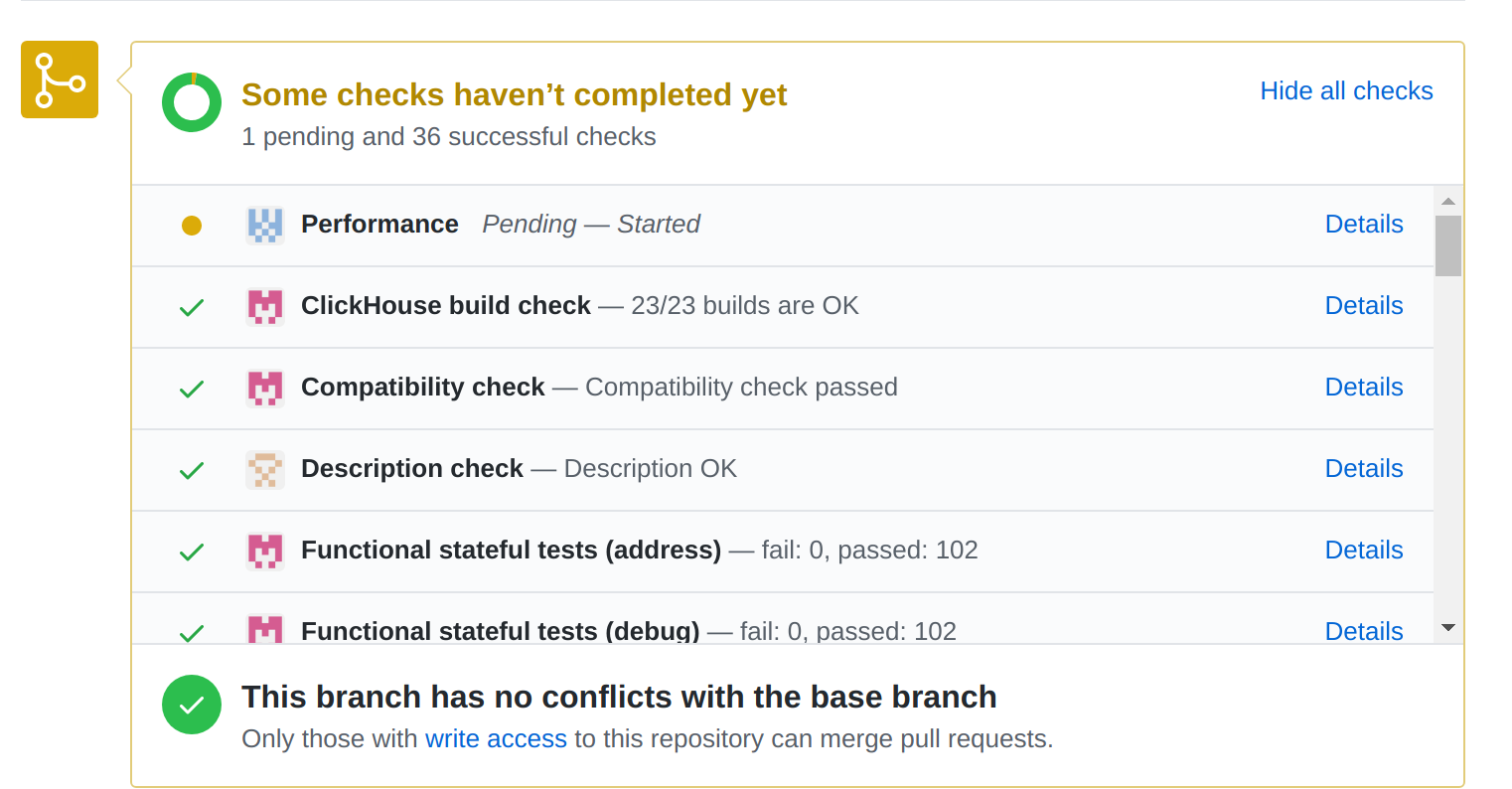
If it’s just fixing a typo, Upstream usually won’t add this label.
6. Development complete
When development is complete and tests pass, promote the Draft to a formal Pull Request and wait for Upstream Review.
7. Merge to Master
If Upstream approves, your code will be merged to Master. Congratulations, you’re now a ClickHouse contributor!
8. Notes
ClickHouse Upstream iterates very fast. Be sure to follow the master branch progress and keep your branch in sync with master. Otherwise, when Upstream Docker updates, your tests might fail.
Recommended reading: doc/development
